Click Here To Install the EnCompass App
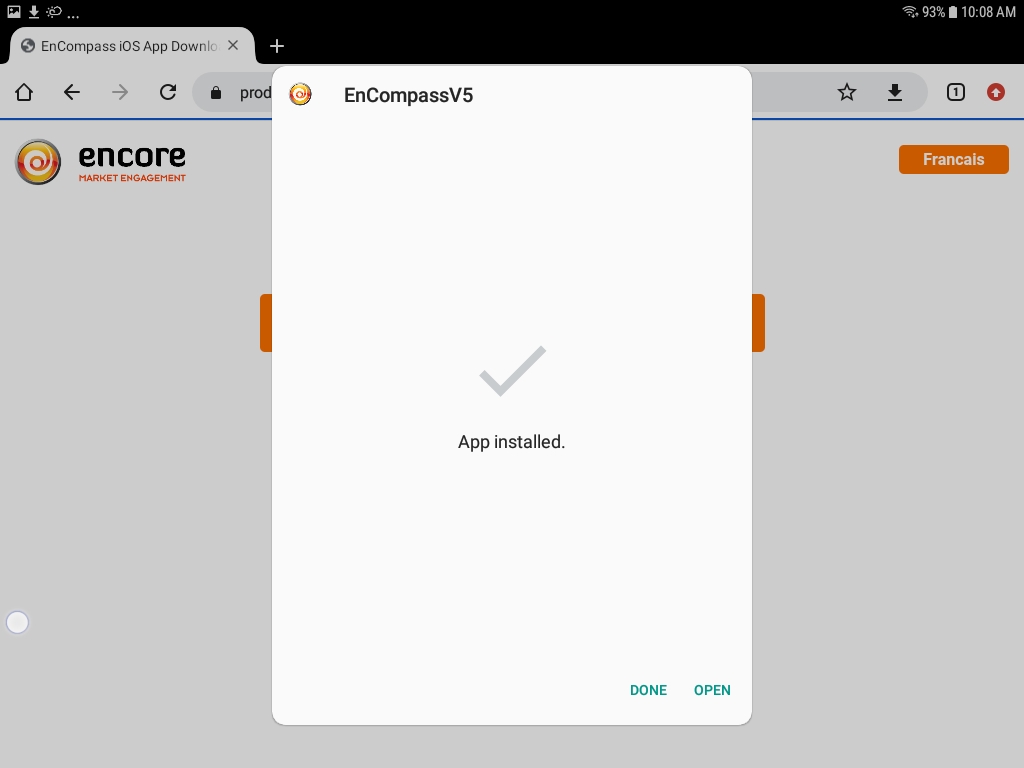
Android: Click Here To Install the EnCompass App
iOS: Click Here To Install the EnCompass App
iOS Installation Instructions
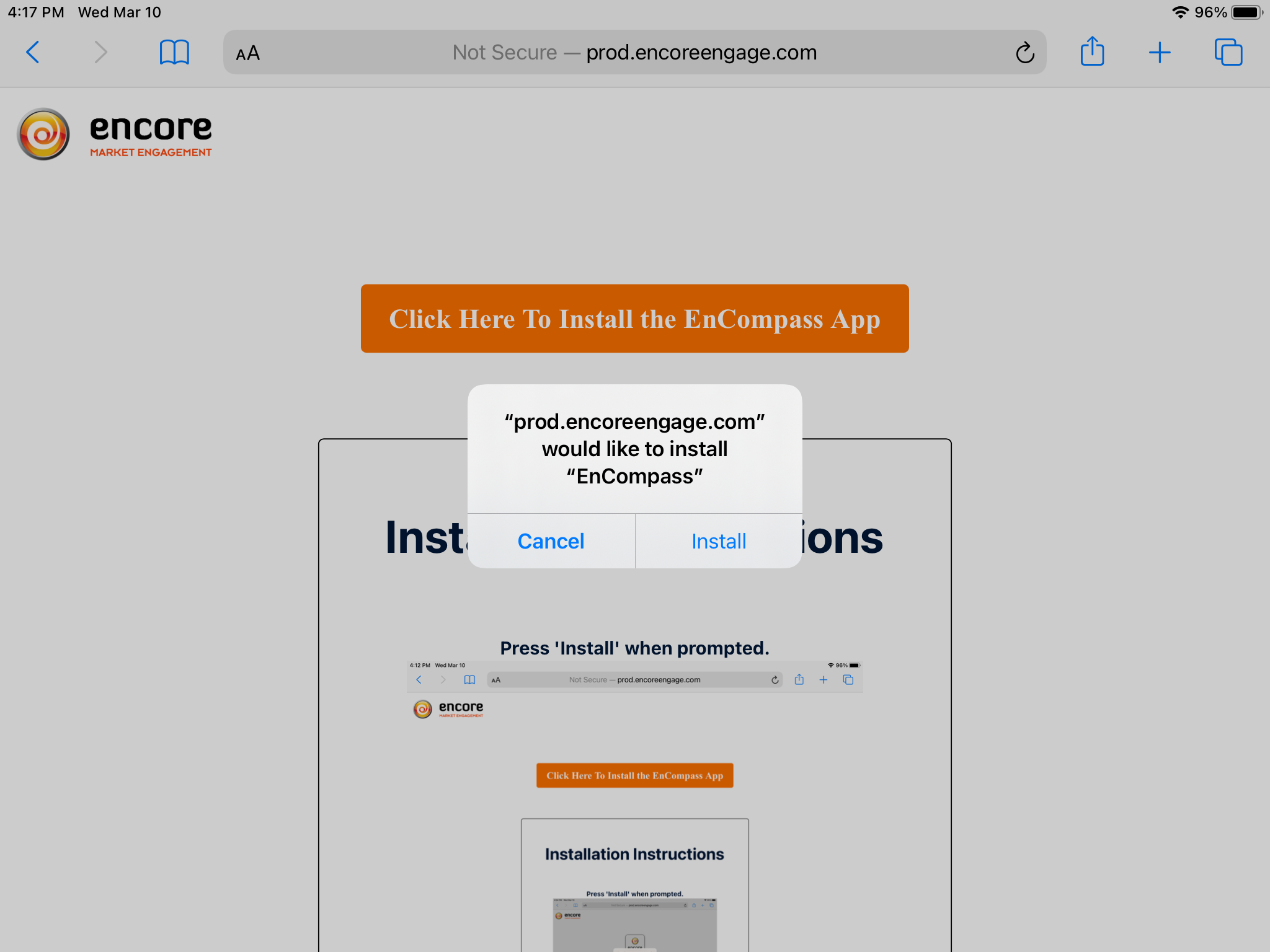
Press 'Install' when prompted.
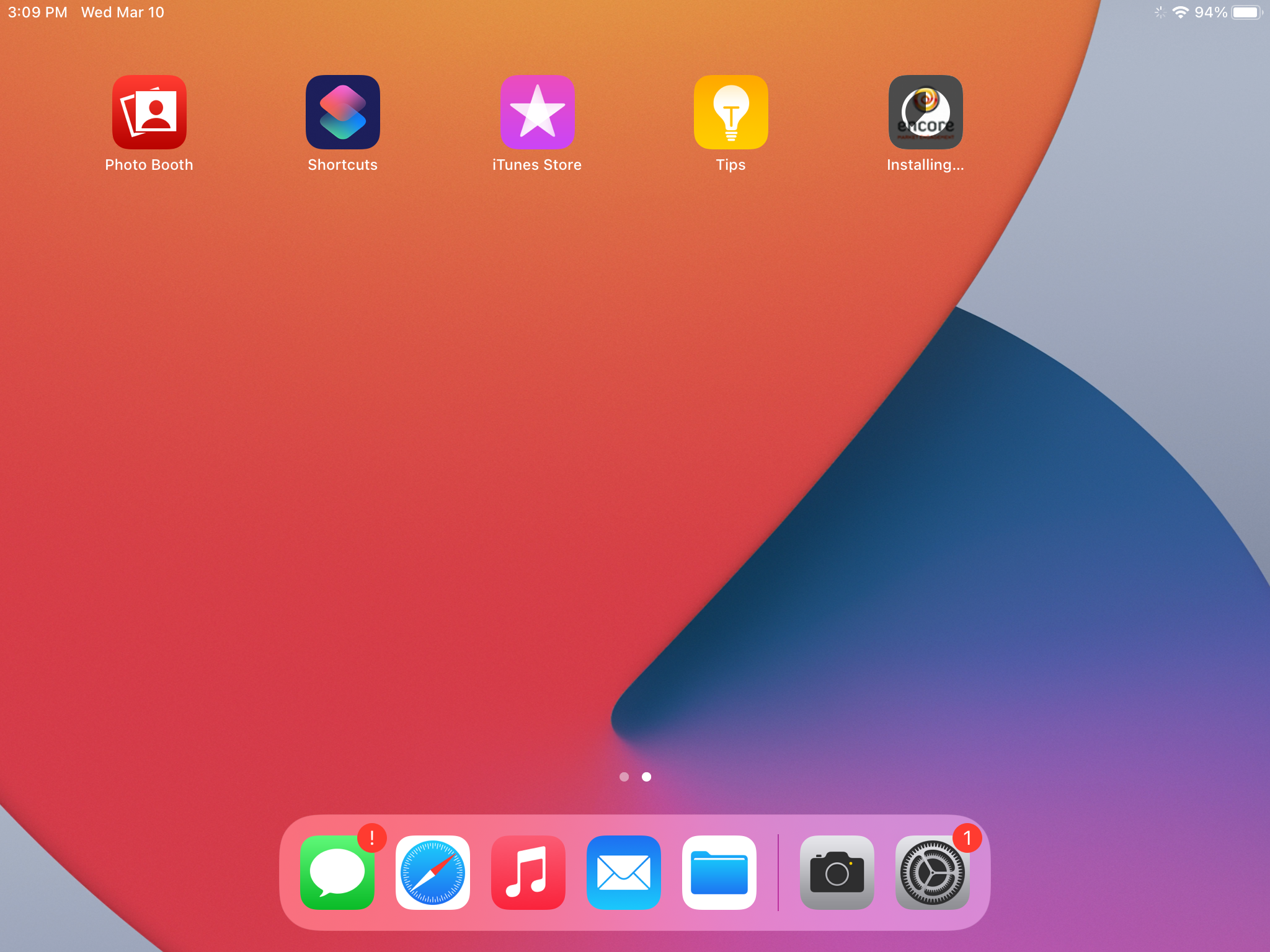
Press the Home button on your iPad to monitor the installation progress.
Once complete, tap the EnCompass application and log in (if you get the message "Untrusted Enterprise Developer" when trying to open EnCompass please see follow the instructions below under Installation Instructions: Trusting the App).
Installation Instructions: Trusting the App
This only needs to be completed if you received the message "Untrusted Developer" when trying to open the app.
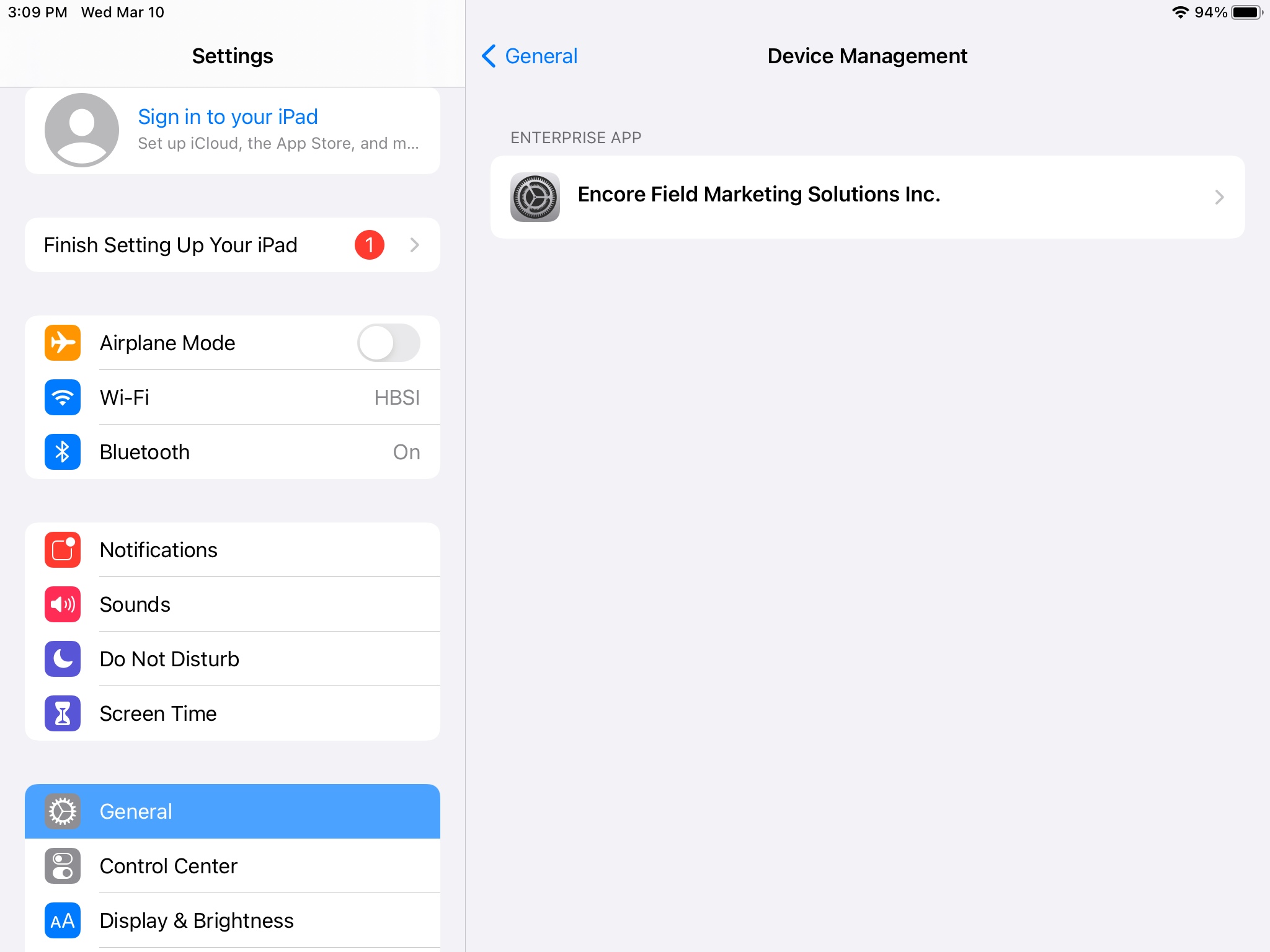
Open the System Settings. Scroll down on the General tab and tap on Device Management.
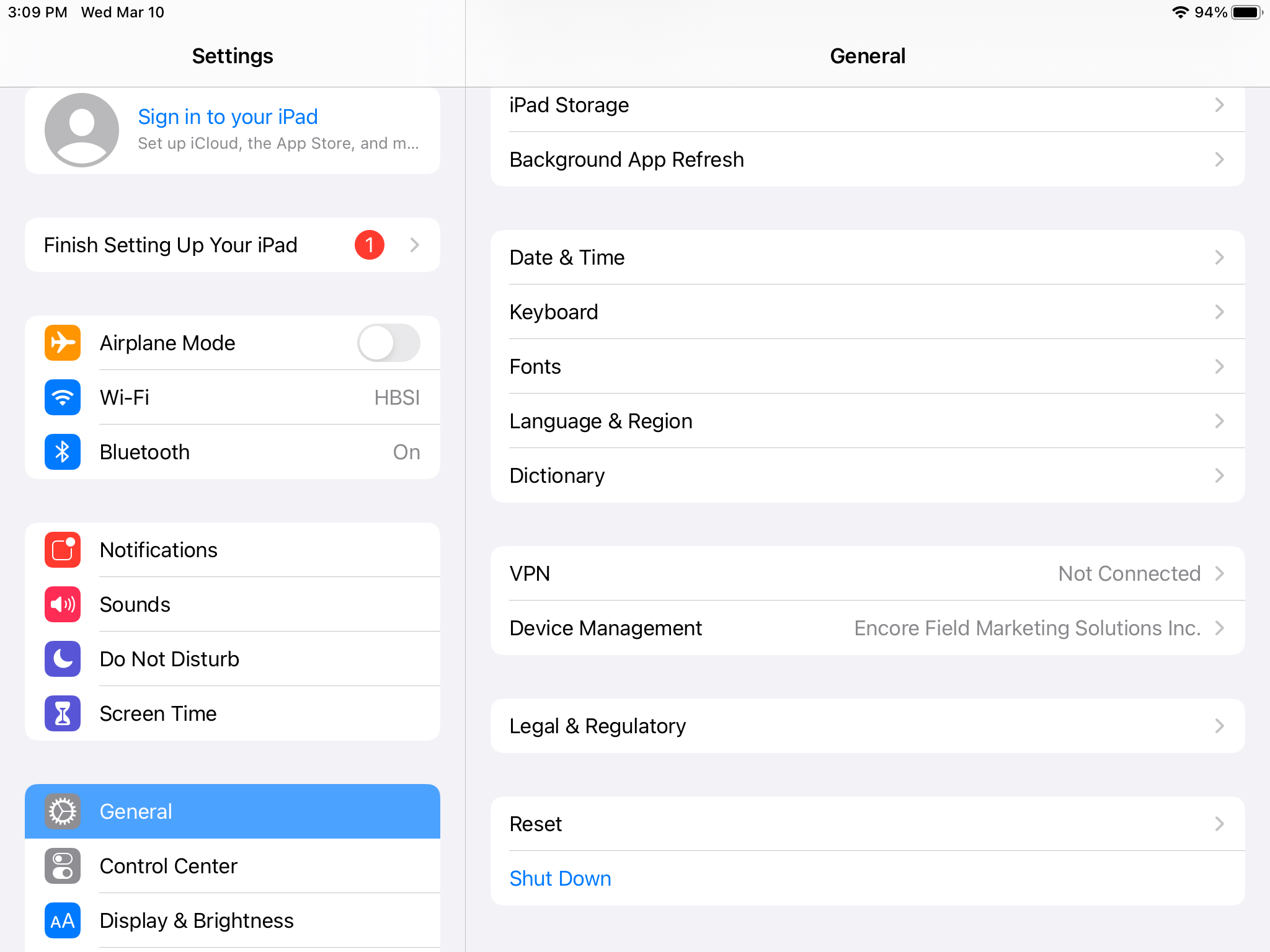
Tap on Encore Field Marketing Solutions Inc.
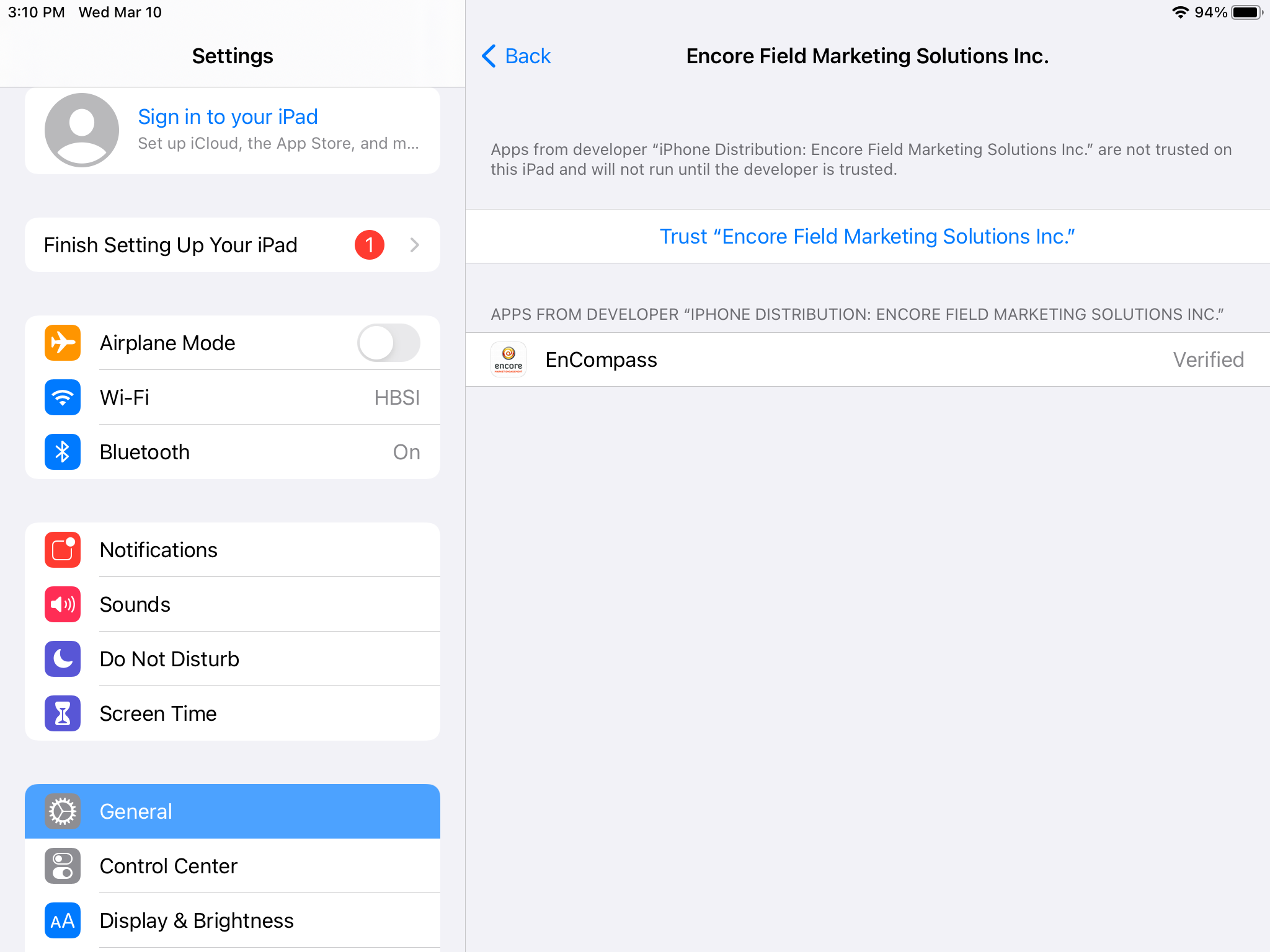
Tap the Trust Encore Field Marketing Solutions Inc link.
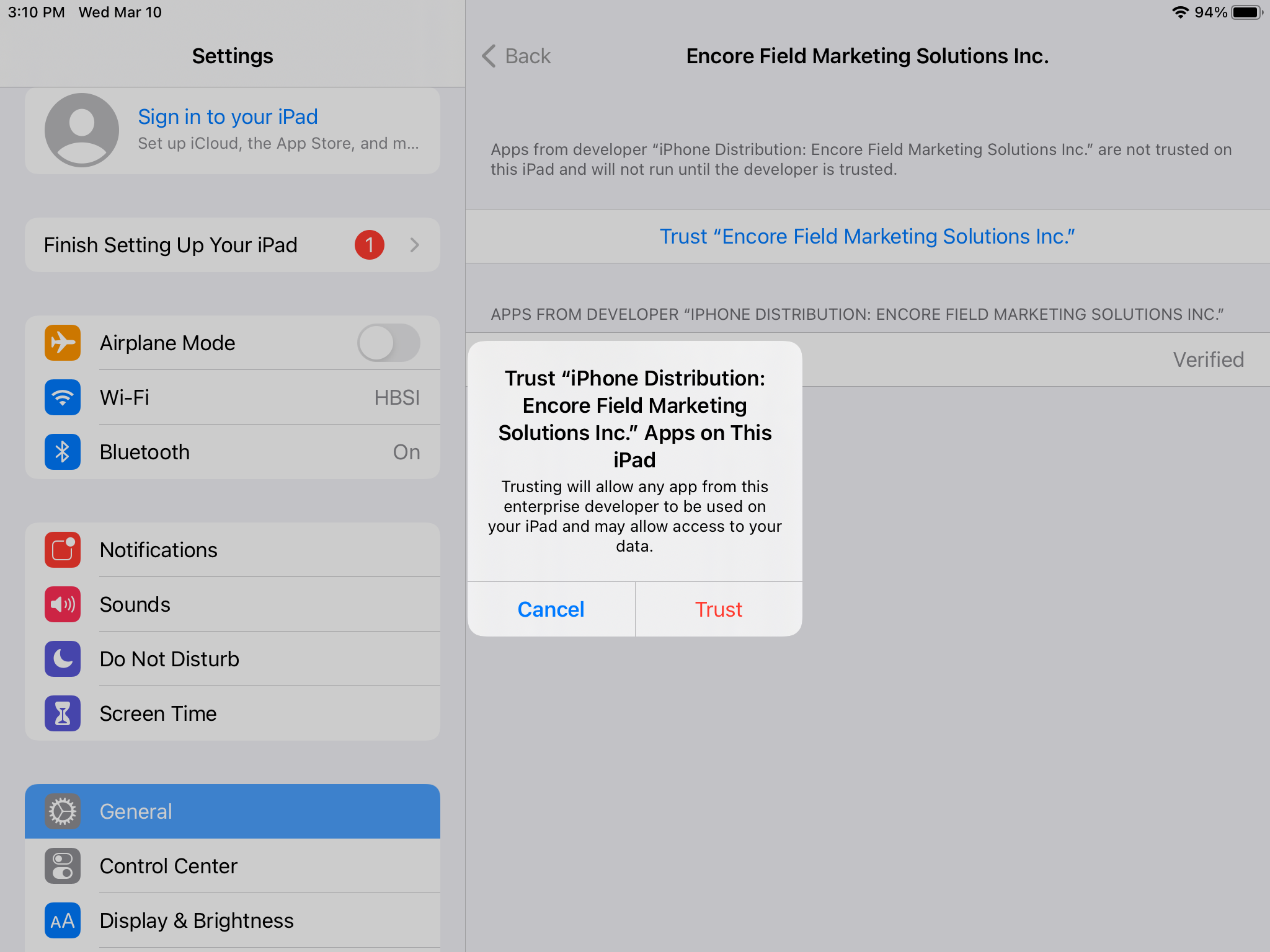
Tap the Trust button on the pop-up.
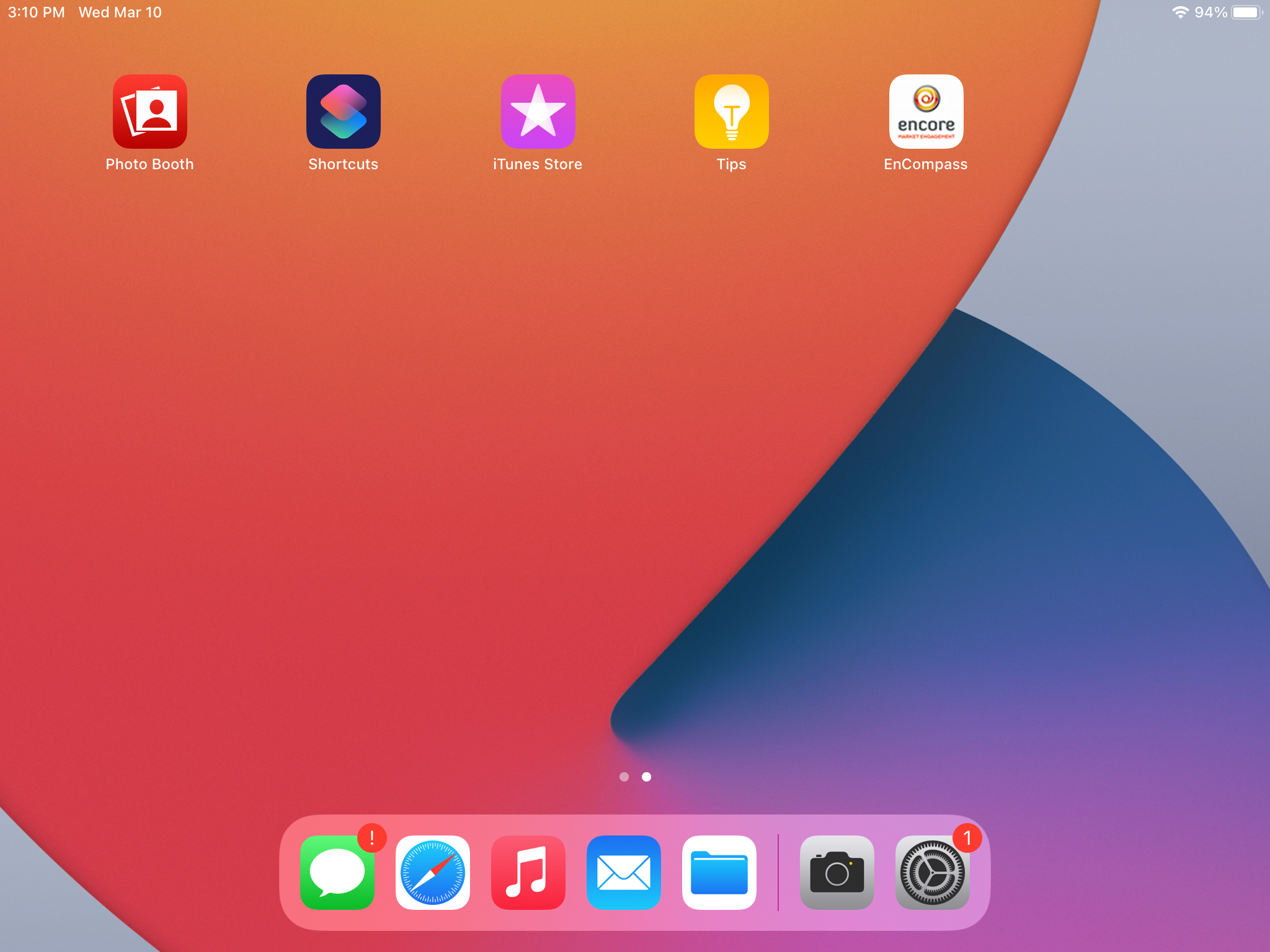
Press the Home button. Your app is now ready to use! Tap the EnCompass application and log in.
Android Installation Instructions
(Steps may vary)
Tap on the button to start installation.
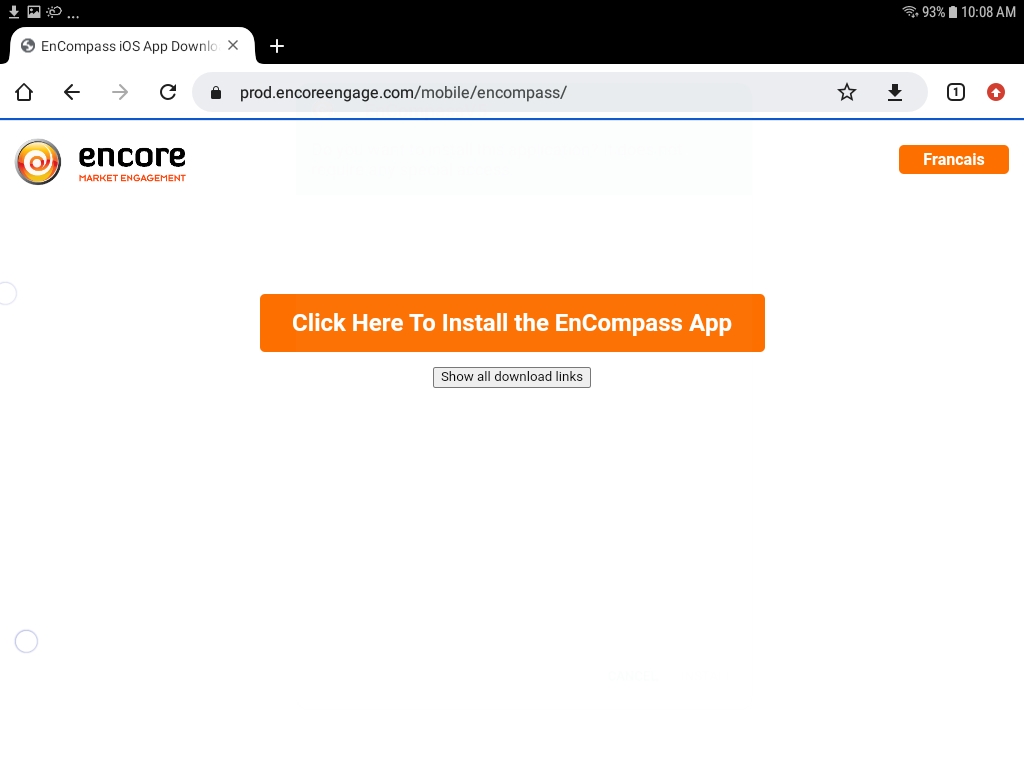
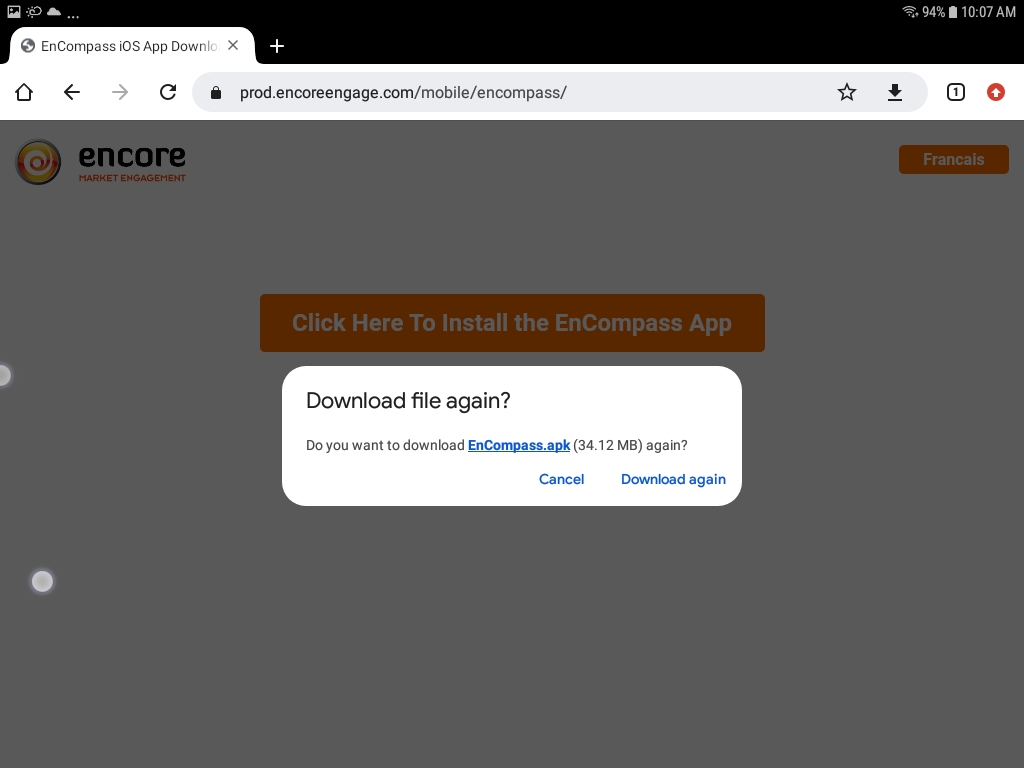
Tap 'Download' when prompted.
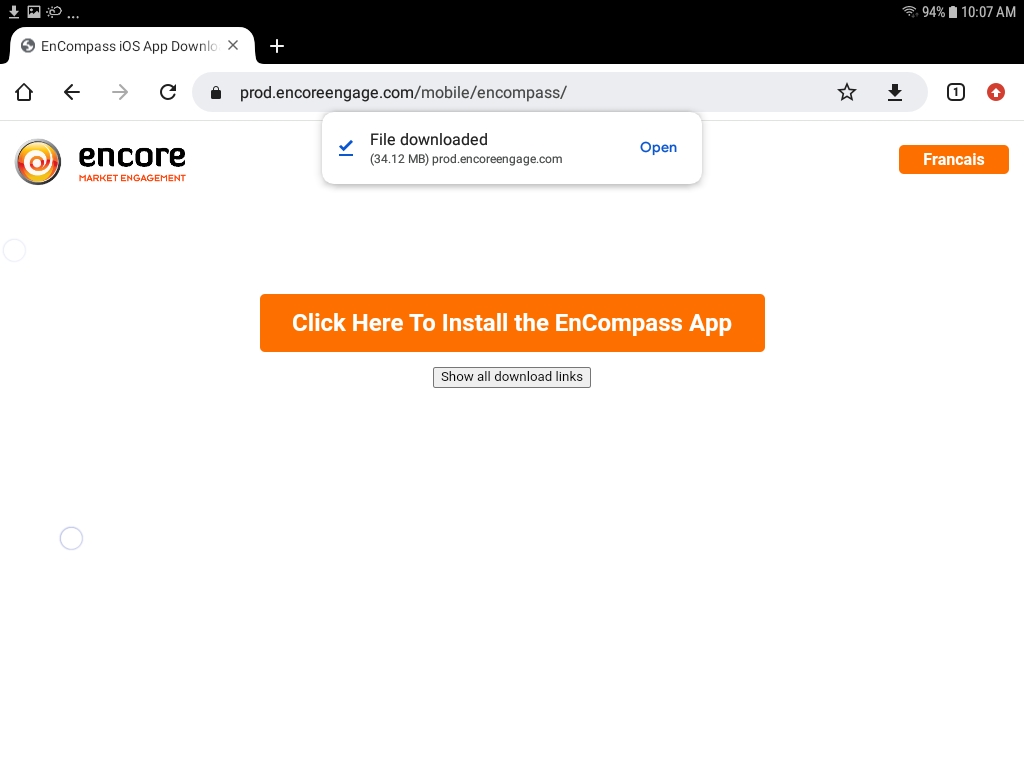
When the download is complete, tap on 'Open' when prompted.
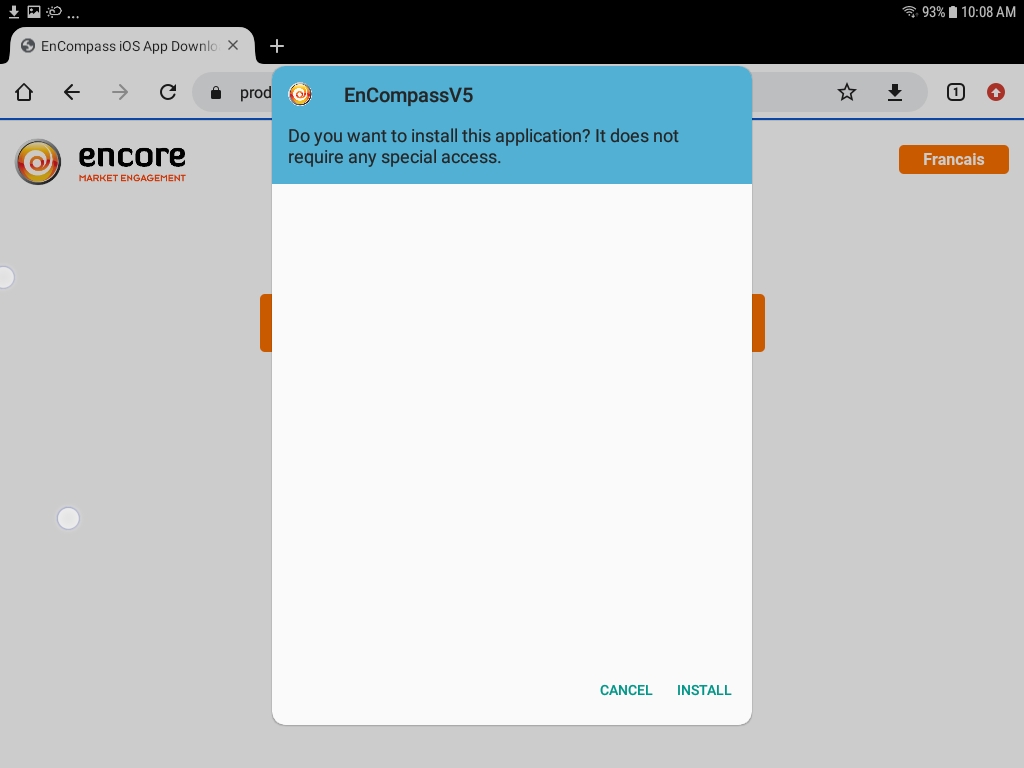
Tap 'Install' when prompted.
Once the app is installed, tap 'Open' to launch the EnCompass application and log in.